
- Begin by navigating to the Template Detail screen for your enrolled objects. Here, you will see a Sign and Sign (Counterparty) buttons for each template that requires a signature.
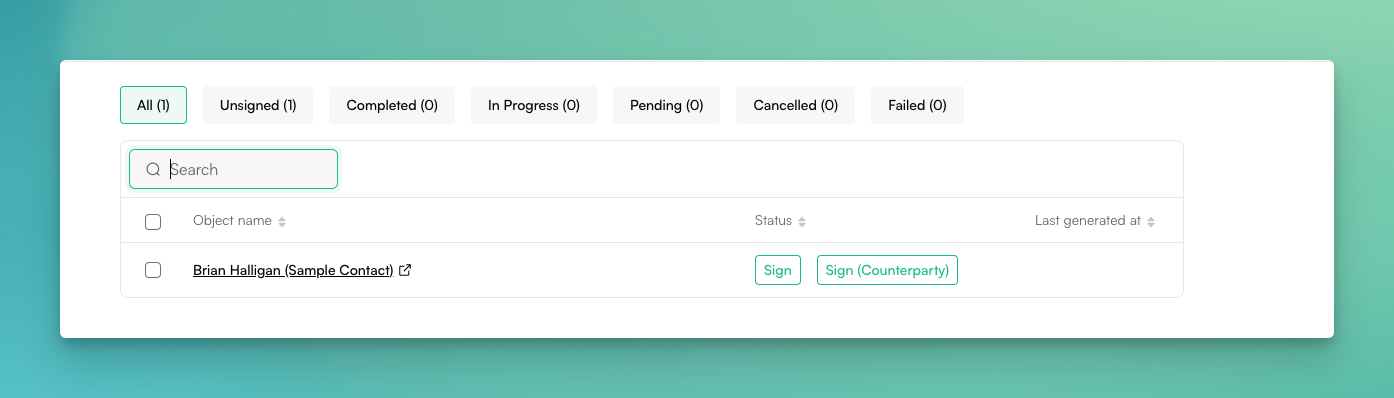
- Click on any button to open the signature page.
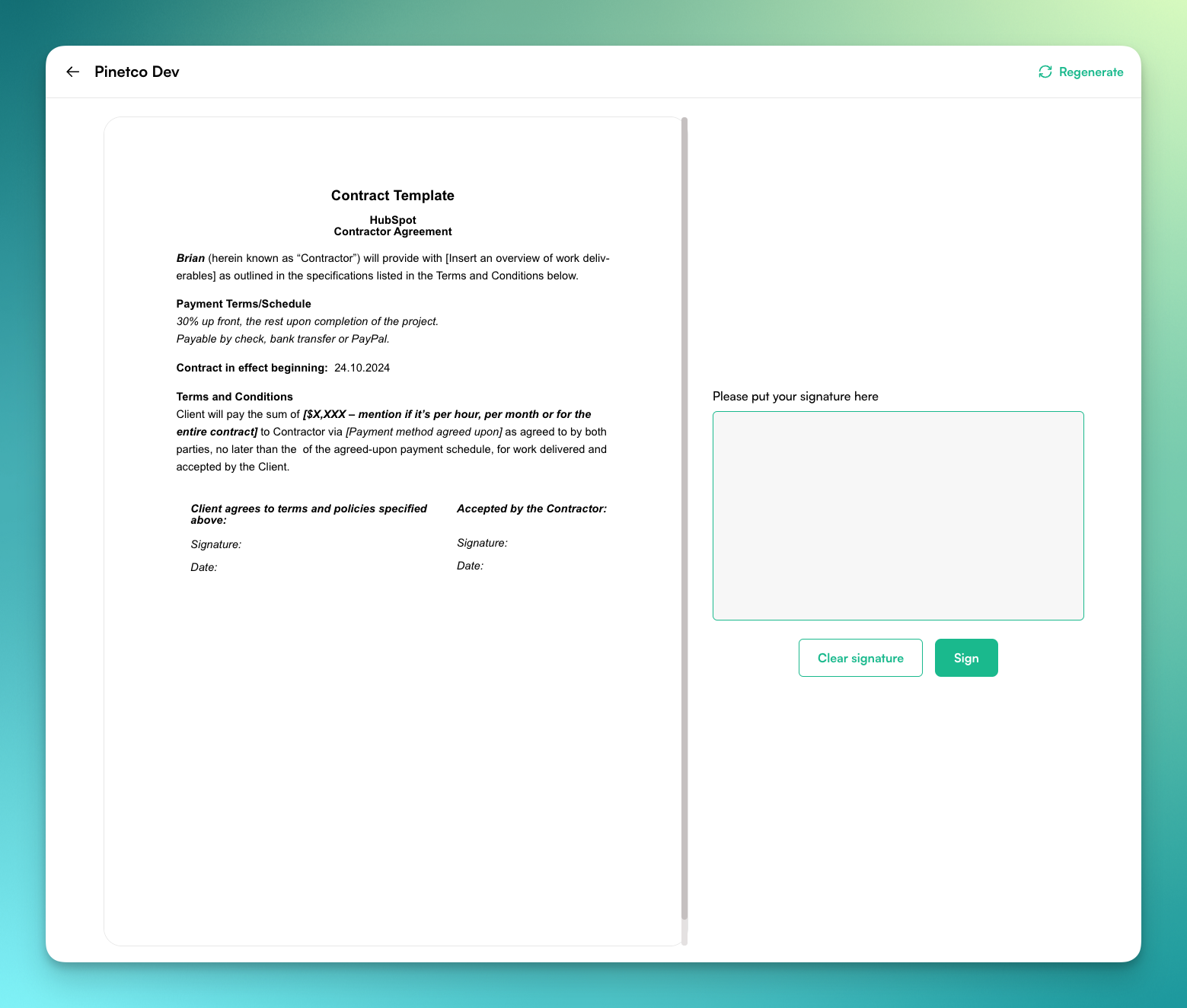
- In the signature box, write your signature. If needed, you can clear your signature using the Clear Signature button.
- At the top-right corner of the screen, you'll find the Regenerate button. This feature offers two options:
- Update redirects to the HubSpot object details screen.
- Yes, Regenerate will display a preview of the updated document before finalizing it.
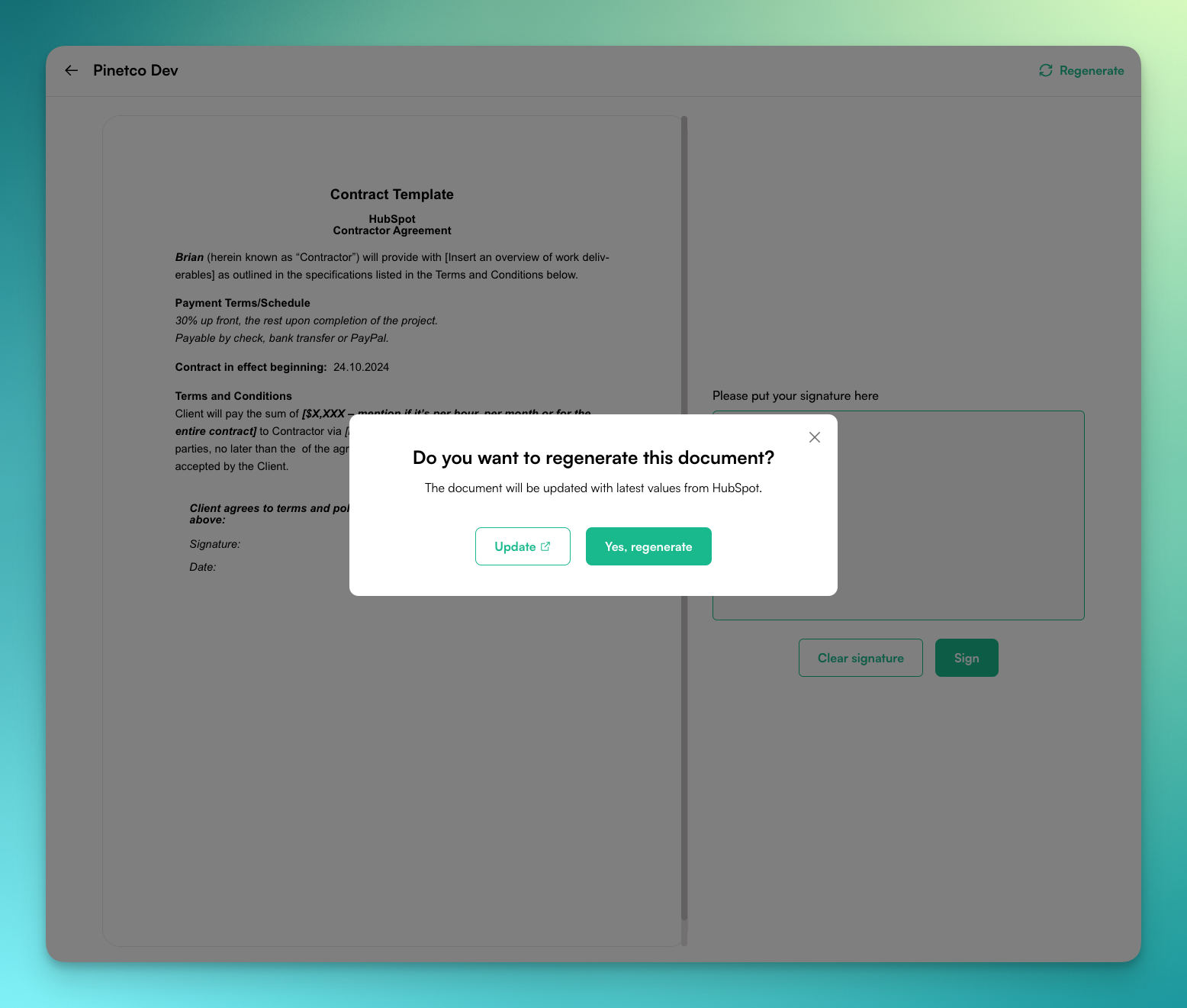
This feature is only available if you are logged into your PDF CreateMate account. Guest users will not have access to the Regenerate button or its functionalities.
- Once you have signed in the box, click the Sign button to complete the signing process.